- 1
- BLACKL
- TABLETAPPLE iPad Mini 8NEW iPad A16(2025) iPad 10.9" 10th (2022) iPad 10.2" (7th/8th/9th) iPad Air 13" (M2/M3/M4)(2024/2025/2026)NEW iPad Air 11" (M2/M3/M4)(2024/2025/2026)NEW iPad Mini 8.3" (A7 Pro/6th Gen) iPad Pro13"(M4/M5)(2024/2025) iPad Pro11"(M4/M5)(2026) iPad 9.7" (5th/6th Gen) iPad Pro 12.9"(2018-2022) iPad Pro 11"(2018-2022) iPad 9.7"(2th/3th/4th) iPad Air 10.9"(4th/5th Gen) iPad Mini 7.9"(4th/5th Gen)SAMSUNG Galaxy Tab A11 Galaxy Tab A11 Plus Galaxy Tab S11 Galaxy Tab S12 PlusNEW Galaxy Tab S12 UltraNEW Galaxy Tab A9+ Galaxy Tab A9 Galaxy Tab A8 Galaxy Tab A7 Galaxy Tab A7 Lite Galaxy Tab S11 Ultra/S10 Ultra/S9 Ultra/S8 Ultra Galaxy Tab S10+/S9+/S9 FE+ Galaxy Tab S10Lite/S10 FE/S9 FE/S9 Galaxy Tab S8+/S7+/S7 FE Galaxy Tab S8/S7 Galaxy Tab S6 lite Galaxy Tab A10.1 Galaxy Tab A8.4 Galaxy Tab A8.0 Galaxy Tab S10 FE+LENOVO iDea tab 11/Tab K11 Gen 2 /Xiaoxin Pad 11 2025 Lenovo Tab K9 (Tab One) 2025 Lenovo Tab M10 10.1"(2025) Lenovo Tab M10 Plus 10.6" (3rd Gen) Lenovo Tab M10 HD 10.1" (3rd Gen) Lenovo K10/M10 Plus 10.3" (2nd Gen) Lenovo Tab M10 HD 10.1" (2nd Gen)XIAOMI Redmi Pad 2 9.7 InchNEW Xiaomi Pad8/8Pro 11.2" Redmi Pad2/Pad2.4G Xiaomi Pad 6/6 Pro 11" Redmi Pad 10.61" Redmi Pad Se 11" Redmi pad Se 4G 8.7" Xiaomi Pad7/7 Pro 11.2" Redmi Pad Pro/Xiaomi Poco Pad/Redmi Pad2 Pro 12.1HUAWEI Huawei Matepad Se 10.4" Huawei Matepad 11" Huawei Matepad 11.5" Huawei Matepad SE 11" Huawei Matepad T8 8" Huawei Matepad T10 9.7"
- CATEGORIES



How Adjustable Kickstands Improve Telemedicine and Clinical Documentation Efficiency
Author: Alice
The healthcare industry continues to embrace digital transformation at an unprecedented pace. Tablets are now widely used for electronic medical records (EMR), patient monitoring, telemedicine consultations, staff training, and clinical communication.
While much attention is often given to software platforms and device specifications, the physical usability of mobile devices plays an equally important role in healthcare efficiency.
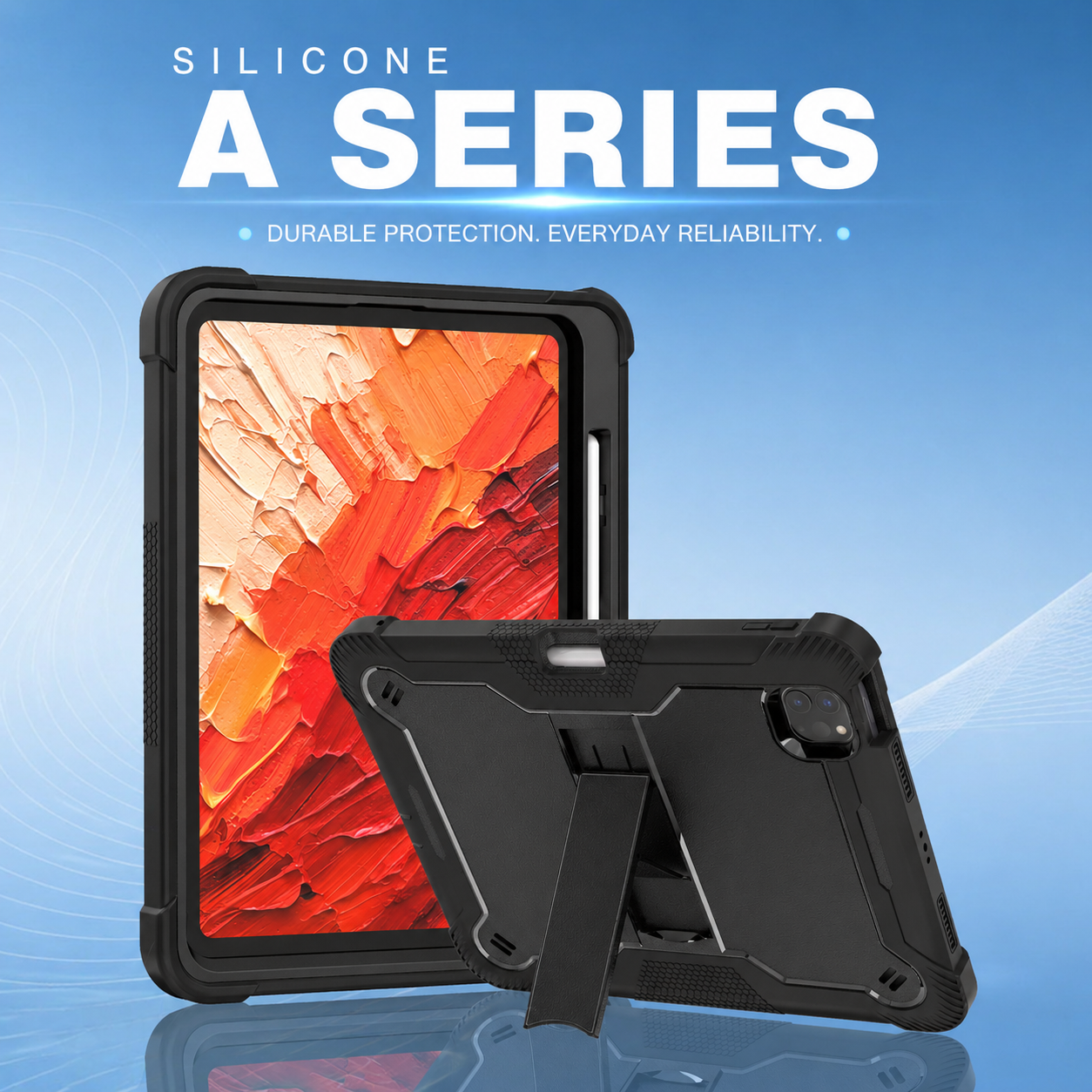
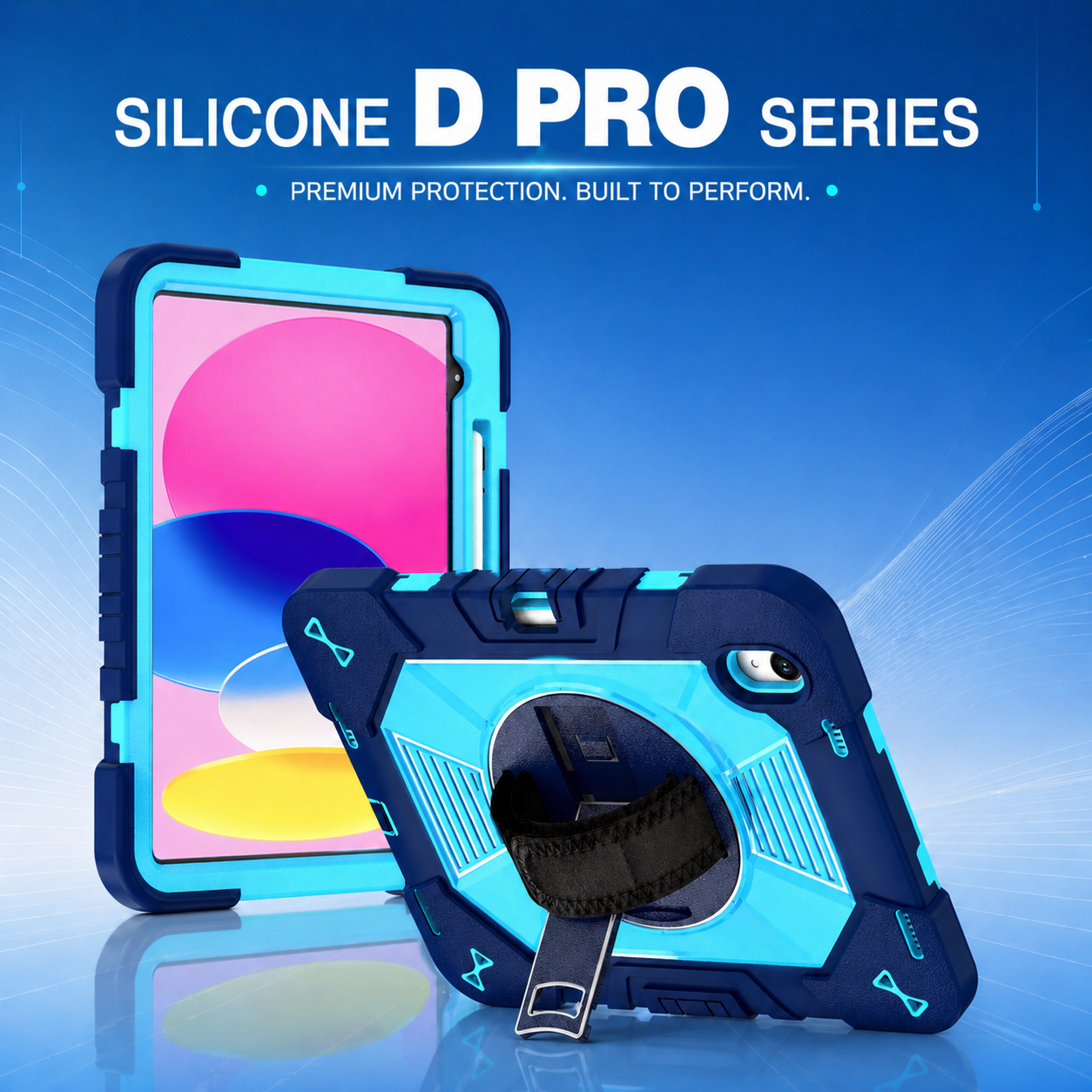
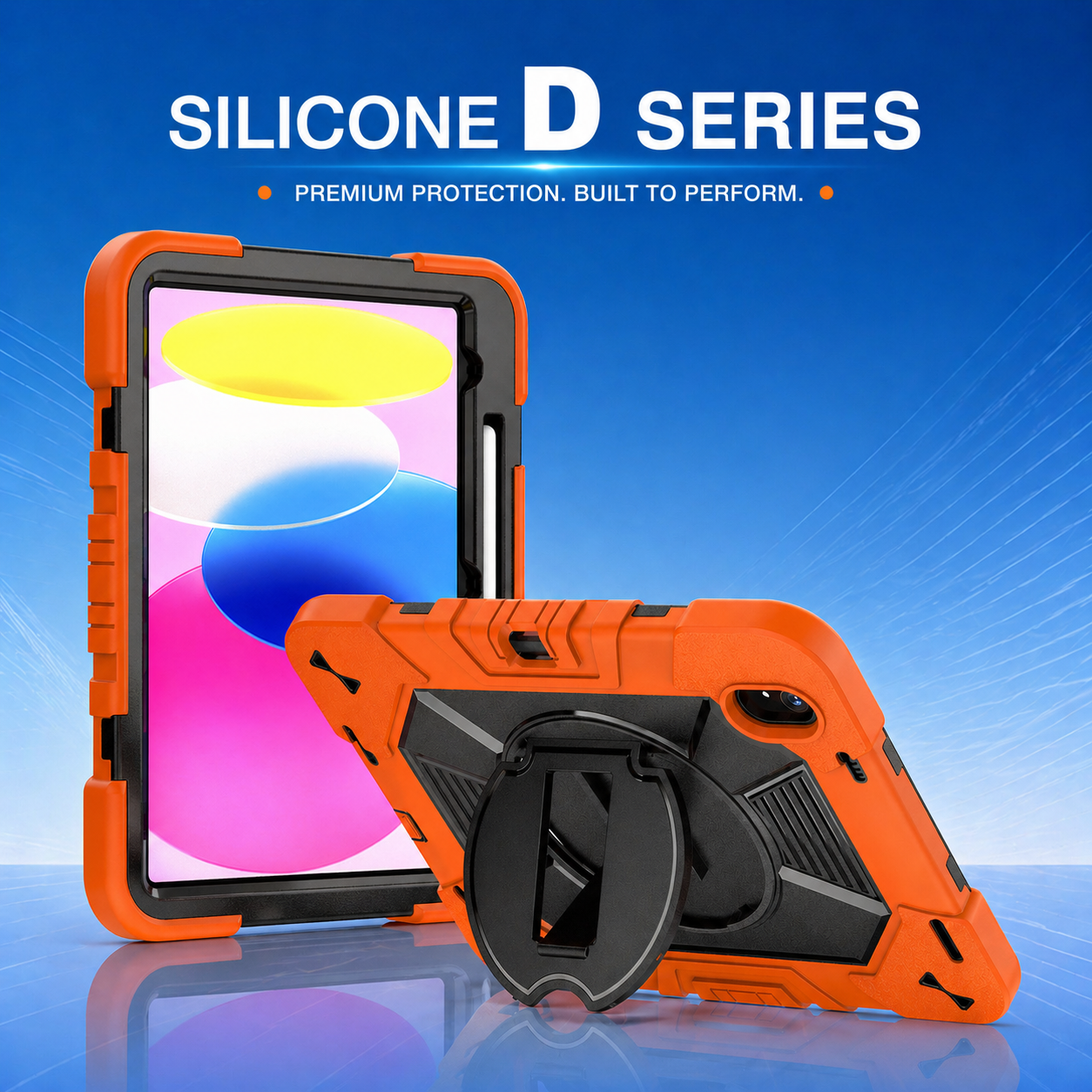
One feature that is increasingly valued by hospitals and healthcare organizations is the adjustable kickstand integrated into a professional rugged tablet case.
Although it may seem like a simple accessory, a well-designed kickstand can significantly improve workflow efficiency, user comfort, and device versatility in healthcare environments.
The Growing Role of Tablets in Healthcare
Healthcare professionals rely on tablets throughout the day for numerous activities:
Reviewing patient records
Entering clinical notes
Accessing medication information
Conducting telehealth consultations
Participating in remote training sessions
Sharing medical information with patients
These activities often require the tablet to remain visible for extended periods.
Without proper support, users must either hold the device continuously or place it on unstable surfaces, creating ergonomic challenges and reducing productivity.
This is one reason why many organizations are upgrading to a rugged tablet case with an integrated adjustable kickstand.
Challenges of Using Tablets Without a Stand
In hospitals, clinics, and care centers, healthcare professionals frequently work in environments where desk space is limited.
Nurses may need to review records while standing at a nursing station.
Doctors may need to display information during bedside consultations.
Administrative staff may participate in virtual meetings from temporary workspaces.
Without a built-in support system, users often experience:
Hand fatigue
Poor viewing angles
Reduced typing efficiency
Difficulty participating in video calls
Increased risk of accidental drops
These seemingly minor inconveniences can accumulate over time and negatively impact workflow performance.
Why Adjustable Viewing Angles Matter
Every healthcare task requires a different viewing position.
For example:
Clinical Documentation
Medical professionals often need a slightly angled position when entering patient information.
This improves visibility and typing comfort while reducing neck strain.
Telemedicine Consultations
Video consultations require a more upright viewing angle to maintain eye contact and present a professional appearance.
Medical Training
Training sessions often involve multiple participants viewing a single screen.
An adjustable stand helps ensure everyone can clearly see the content.
Patient Education
Doctors frequently use tablets to explain procedures, treatment plans, or imaging results to patients.
The ability to quickly reposition the screen enhances communication and patient engagement.
A high-quality rugged tablet case with multiple viewing angles supports all of these use cases.
Supporting Telemedicine Growth
Telemedicine has become an essential component of modern healthcare delivery.
Hospitals increasingly use tablets for:
Virtual specialist consultations
Remote patient monitoring
Follow-up appointments
Family communication
Clinical collaboration
These activities require stable device positioning.
Holding a tablet throughout an extended video consultation is impractical and uncomfortable.
An adjustable kickstand transforms the tablet into a portable workstation, allowing healthcare professionals to focus on patient interaction rather than device handling.
When combined with a professional rugged tablet case, the solution provides both mobility and stability.
Improving Documentation Accuracy
Accurate documentation is critical in healthcare.
Errors or delays in record keeping can impact patient care, compliance, and operational efficiency.
Healthcare workers often enter data while standing or moving between patient rooms.
A kickstand allows the tablet to be positioned securely on carts, counters, workstations, or bedside tables.
This stable viewing environment makes it easier to:
Review patient histories
Enter treatment notes
Verify medication information
Complete assessments
As a result, healthcare professionals can work more efficiently while maintaining documentation accuracy.
Enhancing Device Protection
An adjustable stand should not come at the expense of durability.
Healthcare environments are demanding, and devices are frequently exposed to impacts, drops, and constant handling.
For this reason, the stand must be integrated into a durable rugged tablet case capable of protecting the device under real-world conditions.
Modern designs often combine:
Reinforced corners
Shock-absorbing materials
Raised screen protection
Impact-resistant frames
Industrial-grade hinges
This combination allows organizations to improve usability without compromising device protection.
The Texas Healthcare Project Example
A healthcare group in Texas recently deployed hundreds of iPads across multiple clinics and care facilities.
Initially, the organization struggled with device damage, inefficient workflows, and limited accessory functionality.
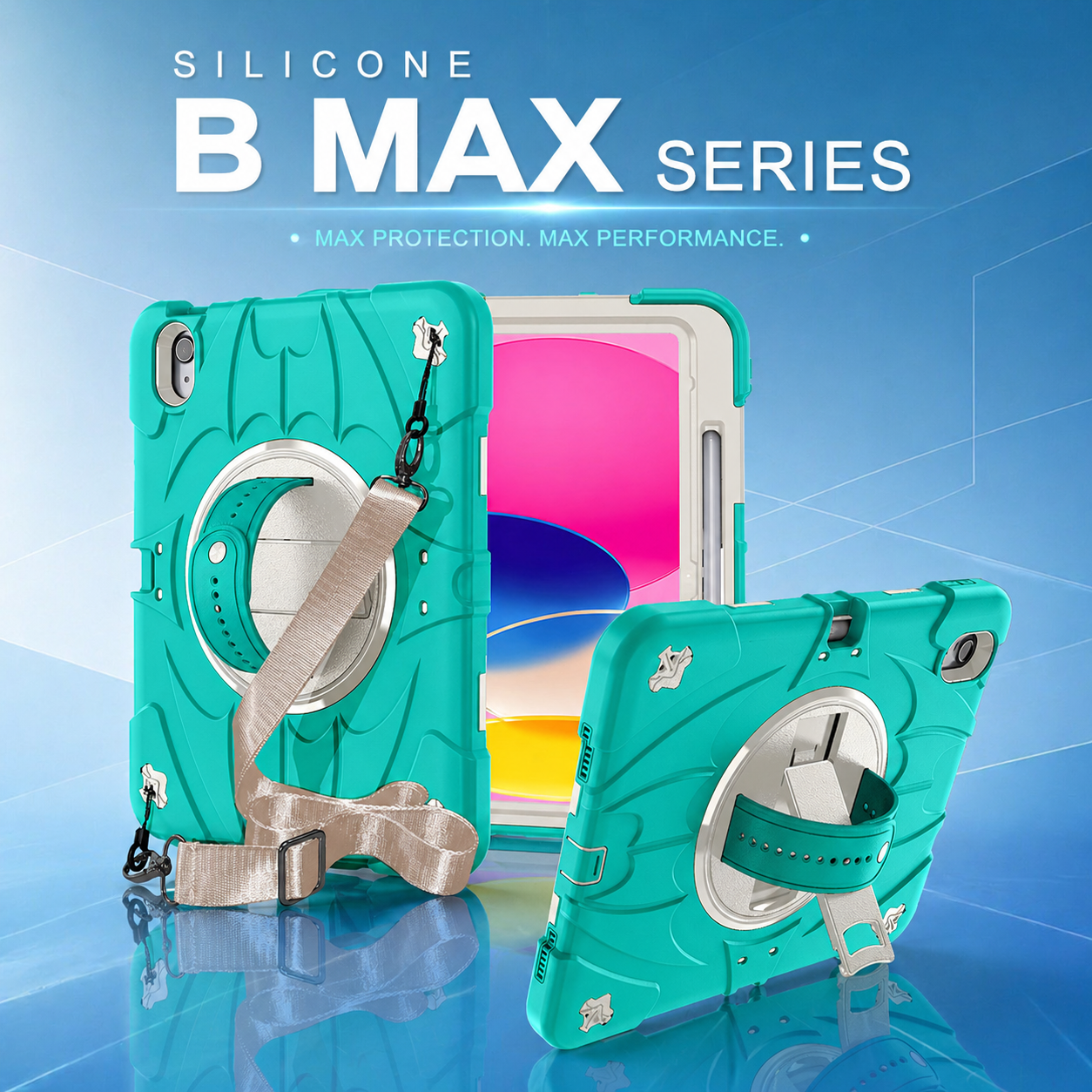
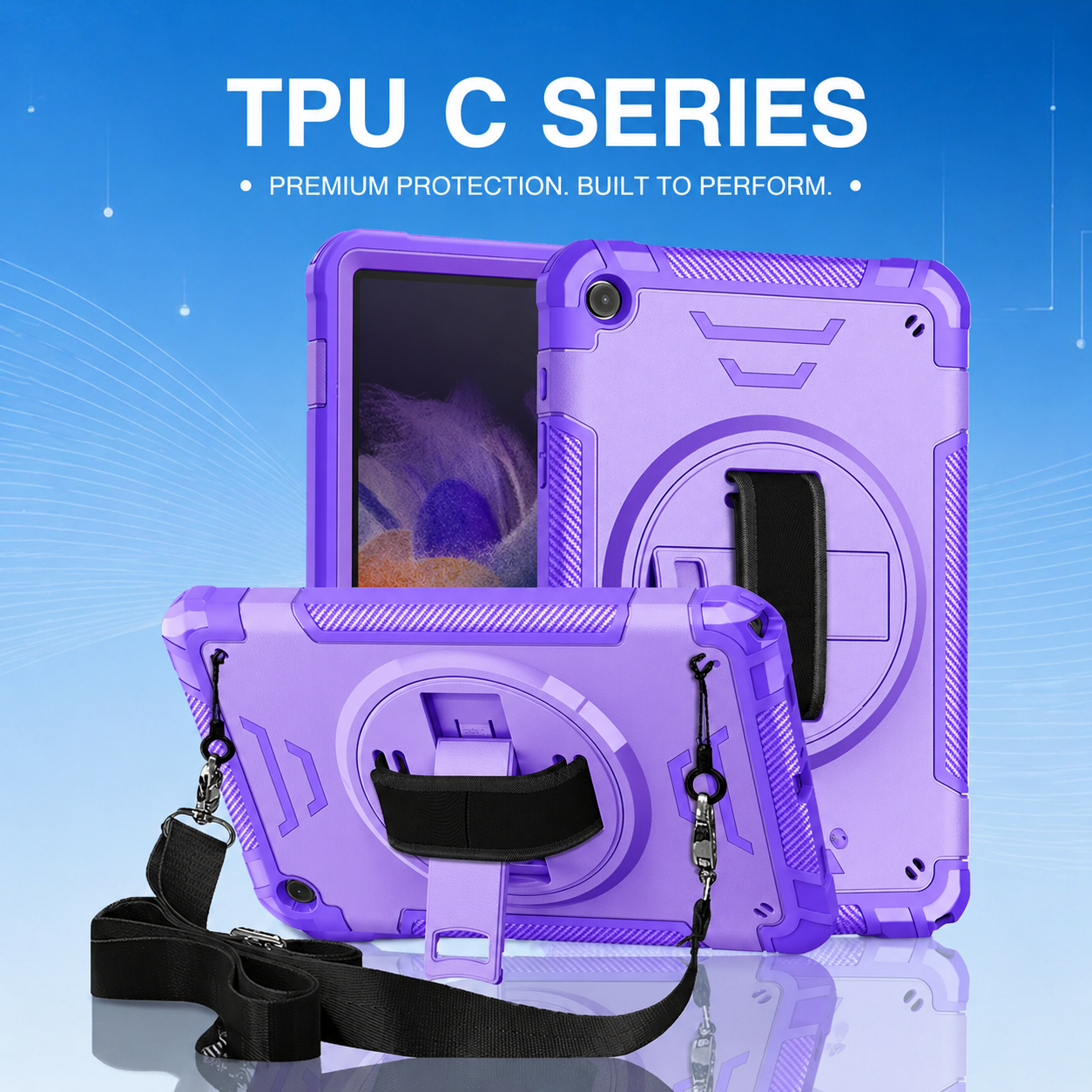
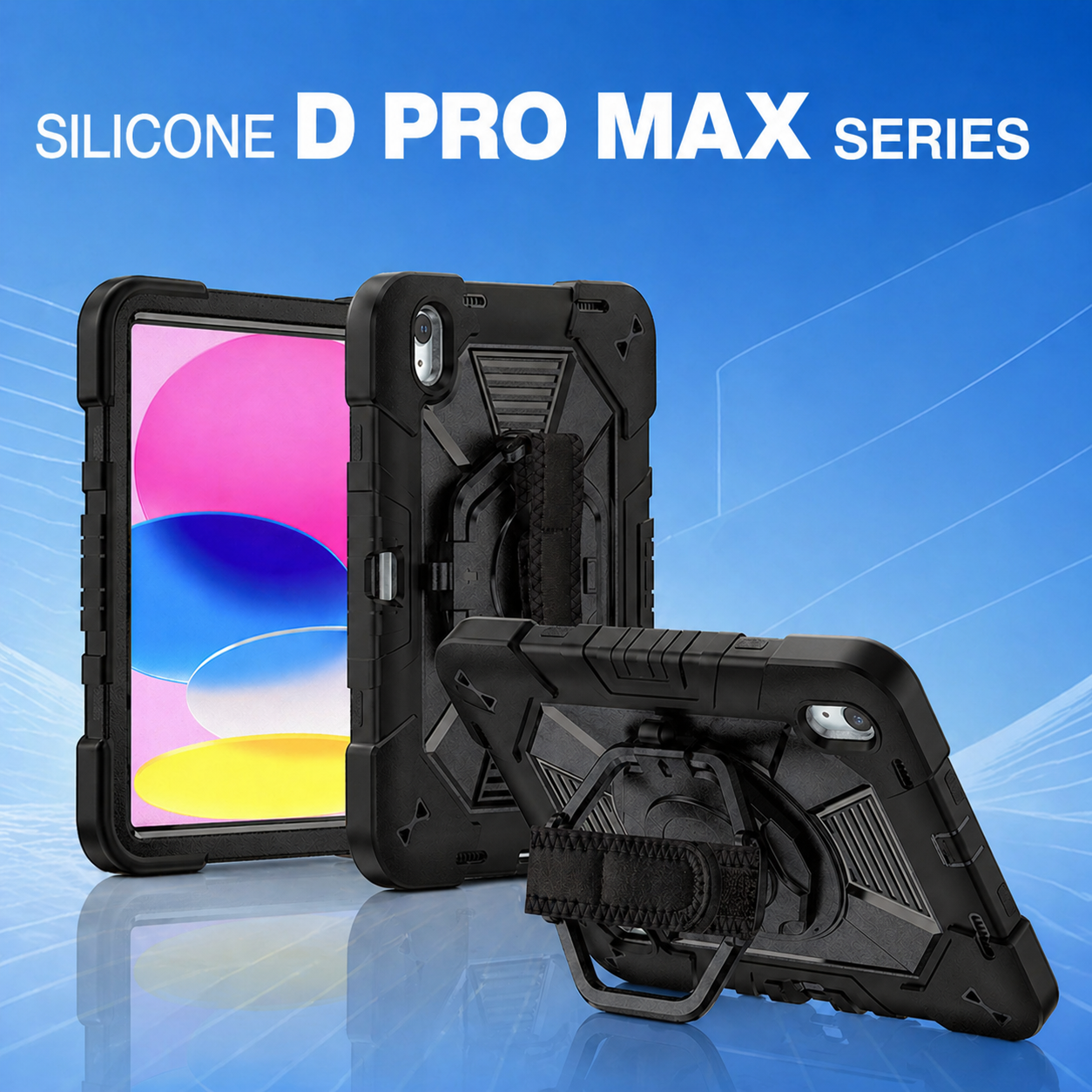
Through collaboration with TOZIZO, a customized rugged tablet case was developed that incorporated both a rotating hand strap and an adjustable kickstand.
The stand quickly became one of the most appreciated features among healthcare workers.
Doctors used it during telemedicine consultations.
Nurses relied on it for patient documentation.
Training teams used it during educational sessions.
The solution helped improve workflow efficiency while reducing the operational challenges associated with mobile device deployment.
As additional facilities were added, the healthcare group continued using the same design across its expanding network.
What Healthcare Buyers Should Look For
When evaluating tablet protection solutions with kickstands, healthcare organizations should consider:
Stability
The stand should remain secure during daily use without collapsing unexpectedly.
Multiple Viewing Angles
Different tasks require different positions.
A flexible design improves usability.
Durability
The hinge mechanism should withstand thousands of opening and closing cycles.
Ease of Cleaning
Materials should support routine disinfection procedures required in healthcare settings.
Integration with Protection Features
The kickstand should be part of a complete rugged tablet case solution rather than an afterthought.
Long-Term Reliability
Healthcare organizations typically deploy devices for several years, making durability a critical factor.
Conclusion
As tablets become increasingly important in healthcare delivery, organizations must focus on more than just device specifications.
The accessories surrounding those devices directly influence productivity, user satisfaction, and operational efficiency.
An adjustable kickstand allows healthcare professionals to work more comfortably, conduct telemedicine consultations more effectively, and complete clinical documentation more accurately.
When incorporated into a professional rugged tablet case, this feature becomes a valuable tool that supports both workflow optimization and device protection.
For hospitals, clinics, and healthcare networks seeking to maximize the return on their technology investments, selecting the right tablet protection solution can create meaningful long-term benefits.
In today's healthcare environment, even a small feature like an adjustable kickstand can have a significant impact on patient care, staff productivity, and operational success.






.png)
+86 13422271740
.png)
info@tongmeitech.com
.png)
No. 34, Mashe Section, Guihe Road, Lishui Town, Foshan, Guangdong, China